Scheduling Strategy
The 9 Best Deputy Alternatives For Efficient Employee Scheduling

Most shift-based businesses start looking at Deputy alternatives when the total on that invoice no longer matches the value they get.
Add a few seasonal hires, activate an add-on or two, and the tool that felt very affordable when you had 10 people starts to feel expensive now that you have 40. Other teams leave for different reasons. Maybe a mobile app lags during a dinner rush, or a feature they assumed was included in their plan actually sits in the next tier or isn’t offered at all.
This article compares nine scheduling and workforce management platforms, with each one judged on how well it serves hourly, shift-based teams. You get verified pricing pulled directly from each vendor’s page, overall sentiments captured from thousands of Capterra reviews, and a straight read on who each tool actually fits.
When I Work leads the list. It provides intuitive scheduling, time tracking, and team messaging, all in one mobile-first app designed for hourly teams and the staff who manage them.
The 9 best Deputy alternatives for savvy employee scheduling
To create an objective comparison of each Deputy alternative, we measured each platform by the same three criteria: best use case, feature set, and pricing. We also sifted through thousands of Capterra reviews to understand the pros and cons of each platform from a user perspective.
Each of the tools below offers value for shift-based teams. Some are tailored to specific industries, others add features Deputy offers only through add-ons or integrations, and others offer similar capabilities but at a more favorable price point.
| Platform | Best for | Features | Pricing | Who it’s not for |
| 1. When I Work | Shift-based teams and hourly workers | – Integrations that simplify payroll processing – Advanced employee scheduling software for efficient staff management – Comprehensive team messaging for better communication and collaboration – Accurate time clock feature for easy time tracking and attendance management – Transparent and flexible pricing options to suit businesses of all sizes | Starts at $2.50 per user per month | Salaried, desk-based teams without shift work, or large enterprises on a mandated in-house system |
| 2. Connecteam | Teams under 10 people or deskless workers | – Mobile time clock with geofencing – In-app messaging for enhanced communication among team members – Customizable checklists and forms to support operational compliance | Plans start for free. Paid plans are priced per hub, with each plan starting at $35/month for the first 30 users, plus additional fees for any employees beyond that first 30, which vary by plan. | Teams that want one plan covering scheduling, communication, and HR, since each hub is billed separately |
| 3. Homebase | Locations with large teams | – Intuitive employee scheduling that simplifies shift creation and management – Time tracking app with GPS verification for accurate payroll data – Built-in messaging for consolidated communication between managers and employees | Plans start for free. The first paid plan starts at $30/location/month, billed monthly. | Businesses running several small locations, since every location adds its own fee |
| 4. 7shifts | Restaurant teams | – Integrates with various product categories, including POS systems and training tools – Data from integrations feeds into the scheduling software to help you build more efficient schedules – Provides performance reviews and employee engagement tools like team shout-outs | Plans start for free, but the first paid plan starts at $44.99/month/location. | Teams outside the food service industry |
| 5. Jibble | Free time tracking | – GPS tracking, geofencing, and facial recognition for punch-ins – Project-level time tracking on higher-tier plans – Integrates with dozens of other apps | Plans start for free and cover unlimited users. Paid plans add features like group management and unlimited work schedules, priced per user. | Teams that need full shift scheduling and coverage tools |
| 6. Clockify | Freelancers and agencies | – Unlimited users with time tracking across multiple devices – Detailed reporting for insights into team productivity – Project and task management to keep work organized | Plans start for free. The first paid plan starts at $4.99/user/month, billed monthly. | Shift-based teams whose main job is building coverage rather than tracking project time |
| 7. Buddy Punch | User-friendly, accurate time tracking | – Multiple punch verification methods, including facial recognition, QR codes, PINs, and GPS – Automated PTO accruals and punch rounding calculations – Employee self-service portal for time-off requests and schedule viewing | Plans start for $19/month, plus an additional $5.99/user/month. | Teams that need scheduling and advanced reporting in an entry-level plan, since both sit higher up |
| 8. Monday | Project management | – Customizable workflows to match your business processes – Comprehensive project and task management capabilities – Extensive integration options with popular third-party apps | Plans start for free, but the first paid plan starts at $12/seat/month. | Hourly teams that need a time clock, shift swapping, and availability management capabilities |
| 9. Timely | Agencies and consultancies that bill by the hour | – AI-driven time tracking that allocates time to the correct project or client – Timesheets completed automatically – Integration with third-party tools like Office 365 and project management software | Plans start at $11/user/month, billed monthly. | Front-line and deskless teams, since it runs on desktop activity with no time clock or shift scheduling |
What is Deputy?
WDeputy is a workforce management platform for organizations that rely on shift-based work. It covers everything from time tracking and scheduling to compliance and payroll processing, as well as HR and employee communication. It’s a useful platform with a comprehensive feature set, but certain aspects might push you to seek out Deputy alternatives.
One potential sticking point for the platform is its pricing model. Deputy charges per user on every plan, and it puts critical capabilities (such as HR and payroll) behind add-ons that each add their own per-user fee. If you employ a midsize or larger workforce, it’s definitely worth comparing the total monthly cost at your headcount, add-ons included, instead of the base price alone.
Deputy also has some feature gaps that may make it difficult to use for certain industries. For instance, When I Work offers a more adaptive scheduling solution, which suits industries like retail and healthcare where schedules are always changing and managers often need to make on-the-fly adjustments. 7shifts includes tip pooling, a feature many restaurants rely on. Deputy handles tip pooling through a third-party integration with TipHaus.
Other common complaints include technical issues like slow loading times and inaccurate time recordings. Reviewers also note that the platform can be difficult to understand at first, especially for new or inexperienced users. Customer service response times are also occasionally slow, which can introduce roadblocks for confused users.
| Pros | Cons |
| Strong compliance tooling | Occasional glitches, like inaccurate time records |
| Integrations with payroll, POS, and HR tools | The platform can be difficult to understand at first |
| Simple day-to-day scheduling and time tracking once set up | Occasionally, slow customer service response times |
Pricing
Plans start for $5.50/user/month.
Key features
- Scheduling and timesheet management
- A simple day-to-day interface once you’re set up
- Continuous updates and enhancements
1. When I Work
Best for: Shift-based teams and hourly workers
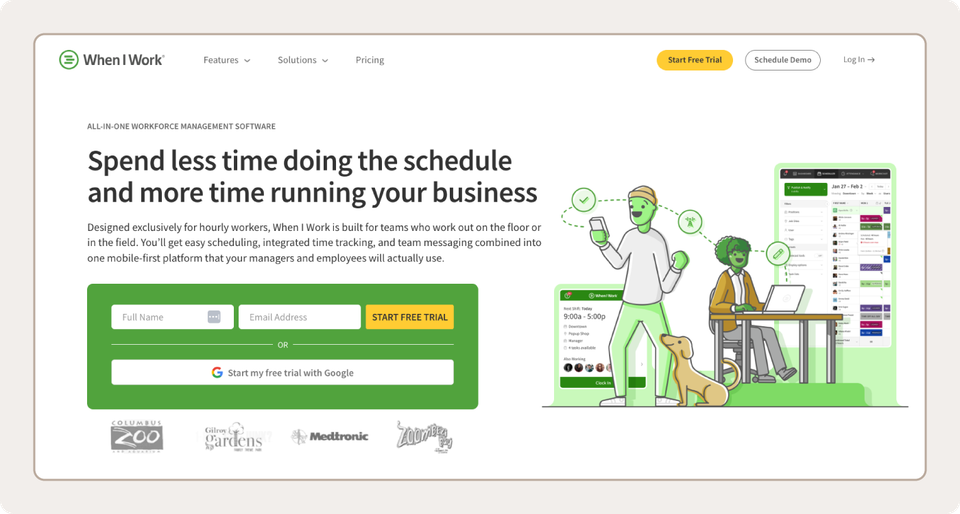
When I Work is one of the best Deputy alternatives for businesses that need to manage a shift-based team of front-line workers. With When I Work, you can schedule shifts, track hours, and communicate all from one app. The app also integrates with other parts of your tech stack (such as your payroll processing and operations apps) to minimize double-entry, regardless of the plan you choose.
When I Work’s feature set covers a full shift cycle. Auto Scheduledrafts the week based on availability and preset templates, while OpenShift lets employees sort out coverage without needing a manager to step in. The time clock then records per-shift attendance with GPS and geofencing controls for accountability. If you need to send out an update in the middle of a shift, Team Messaging keeps everything in one place, so employees know where to look.
More than 200,000 workplaces, covering over a million people in 50+ countries, use When I Work to run their shifts. It’s earned a 4.5-star rating from over 1,000 reviews on Capterra, with hundreds of reviewers speaking to the app’s ease of use, in everything from shift scheduling to employee messaging.
| Pros | Cons |
| Per-user pricing with no per-location fees, starting at $2.50 per user per month | Certain advanced features may be available only on higher-tier pricing plans |
| Provides self-service features for improved accountability and engagement | The platform may not offer as many customization options as some enterprise-level solutions |
| Cuts payroll double-entry with direct integrations | Per-user pricing can add up with scale |
Pricing
Starts at $2.50 per user per month.
Key features
- Integrations with payroll and operations tools
- Advanced employee scheduling software for efficient staff management
- Comprehensive team messaging for better communication and collaboration
- Accurate time clock feature for easy time tracking and attendance management
- Transparent and flexible pricing options to suit businesses of all sizes
2. Connecteam
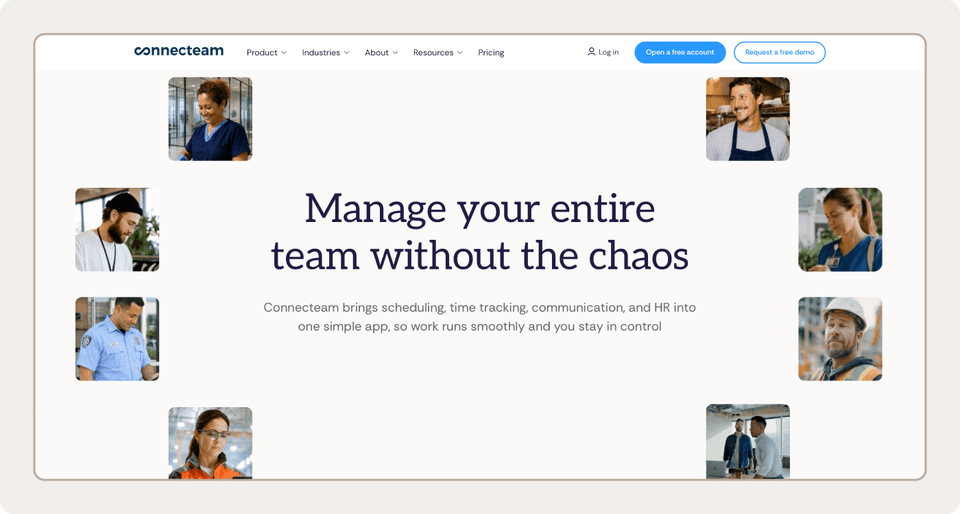
Best for: Teams under 10 people or deskless workers
When your crew spends the day on job sites instead of at a desk, the schedule has to live on their phones. Connecteam is a mobile-first communication and operations app for front-line and deskless teams. It bundles several features together, from scheduling and communication tools to a fully provisioned HRM solution.
With Connecteam, the free plan is the headline. Companies with up to 10 employees get unlimited access to most of the platform’s features at no cost, making the platform hard to beat for a micro-team. Past that point, pricing works differently from most competitors. You pay individual plans for each “Hub” (Operations, Communications, and HR), and each hub covers your first 30 users before additional per-user pricing kicks in.
Connecteam scores 4.6/5 based on over 5,000 Capterra reviews, with most reviewers praising its all-in-one design and communications hub. However, some reviewers note recurring technical issues and performance slowdowns that cause occasional disruptions.
| Pros | Cons |
| Commonly praised for its ease of use | Occasional technical issues, including bugs and permissions issues |
| Simplifies schedule management | Setup can be complex |
| Consolidates employee communications | System occasionally goes down |
Pricing
Plans start for free. Paid plans are priced per hub, with each plan starting at $35/month for the first 30 users, plus additional fees for any employees beyond that first 30, which vary by plan.
Key features
- Mobile time clock with geofencing
- In-app messaging for enhanced communication among team members
- Customizable checklists and forms to support operational compliance
3. Homebase
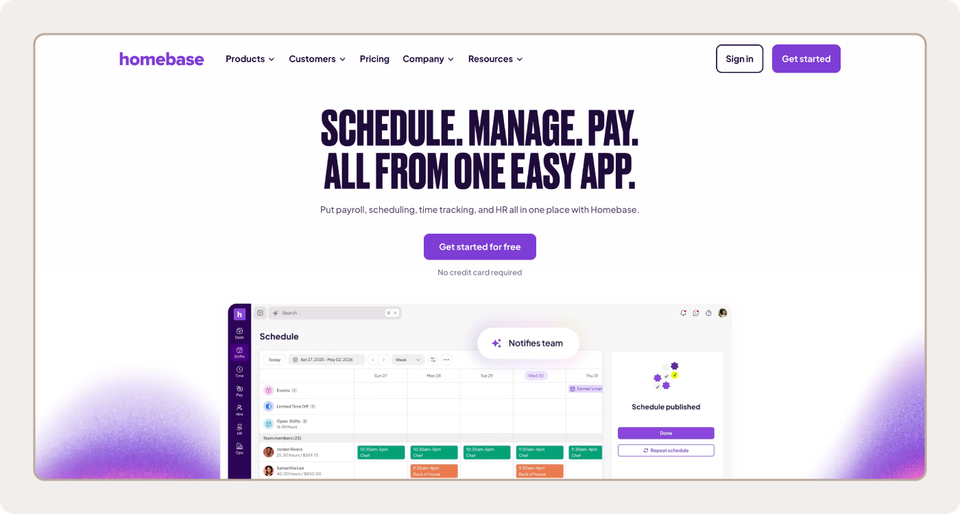
Best for: Locations with large teams
Homebase, like many other top Deputy competitors, also packs multiple functions into a single app. It goes beyond scheduling and even HR, offering dedicated solutions for hiring, onboarding, and employee experience management.
Pricing is the defining trait here because Homebase charges per location rather than per user. That makes it a strong fit for a location with a big team, since headcount doesn’t change the price within a plan. The math flips if you run many small locations, because every one adds its own fee. Homebase also offers a free plan for locations with 10 or fewer employees, but it provides significantly less feature depth than the paid plans.
Users consistently praise Homebase for its ease of use across features, from time management to team messaging, helping it earn a 4.6/5 rating based on more than 1,000 reviews. However, some reviewers have also experienced billing issues with the company, while others have reported bugs.
| Pros | Cons |
| Smooth POS integrations | Occasional customer support issues |
| User-friendly scheduling and messaging features | Login and logout issues |
| Quick payroll processing | Some critical features locked behind higher plan tiers |
Pricing
Plans start for free. The first paid plan starts at $30/location/month, billed monthly.
Key features
- Intuitive employee scheduling that simplifies shift creation and management
- Time tracking app with GPS verification for accurate payroll data
- Built-in messaging for consolidated communication between managers and employees
4. 7shifts
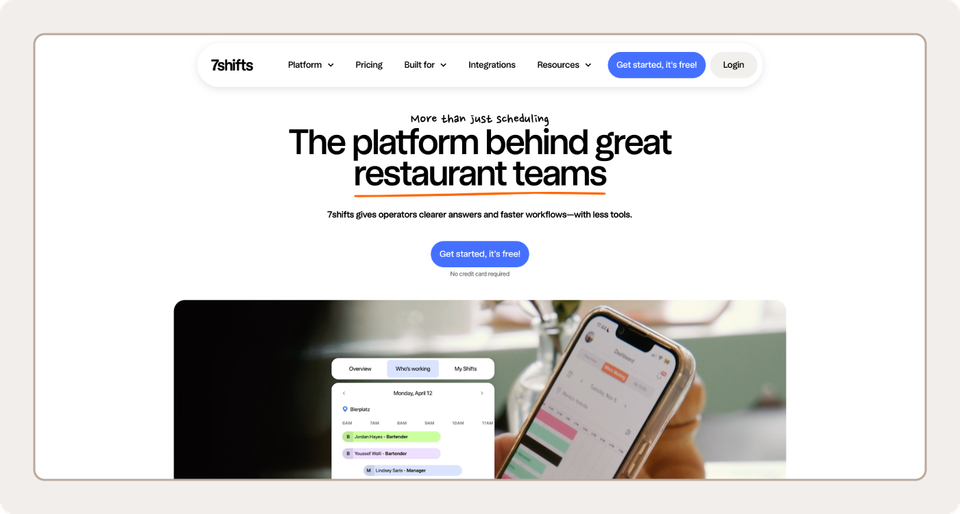
CBest for: Restaurant teams
A server calls out an hour before the Friday dinner rush, and the manager needs a swap sorted fast. 7shifts was built from the ground up for moments like that, which makes it one of the strongest Deputy alternatives for restaurants, from pubs to pizzerias. It includes tools to help you source talent and train them, with automatically generated quizzes and integrated progress tracking.
7shifts also comes with restaurant-specific shift-scheduling tools, including self-service swapping and labor-cost-saving tools. The scheduling solution connects directly to POS sales data, so managers can forecast labor needs based on expectations. Beyond that, 7shifts lets you pay your employees via a native payroll solution that automatically calculates wages and tips.
7shifts earns a 4.7/5 rating on Capterra, with many users applauding the platform’s ease of use. Reviewers also commonly note that the platform makes various tasks easier, from scheduling and on-the-fly adjustments to managing time-off requests. Complaints mostly center on technical issues with the platform and poor customer service.
| Pros | Cons |
| Simplifies scheduling for restaurants | Occasional app glitches |
| Integrations with POS systems | Customer service could be improved |
| Easy communication with employees | Payroll locked behind an add-on and only available in the US |
Pricing
Plans start for free, but the first paid plan starts at $44.99/month/location.
Key features
- Integrates with various product categories, including POS systems and training tools
- Data from integrations feeds into the scheduling software to help you build more efficient schedules
- Provides performance reviews and employee engagement tools like team shout-outs
5. Jibble
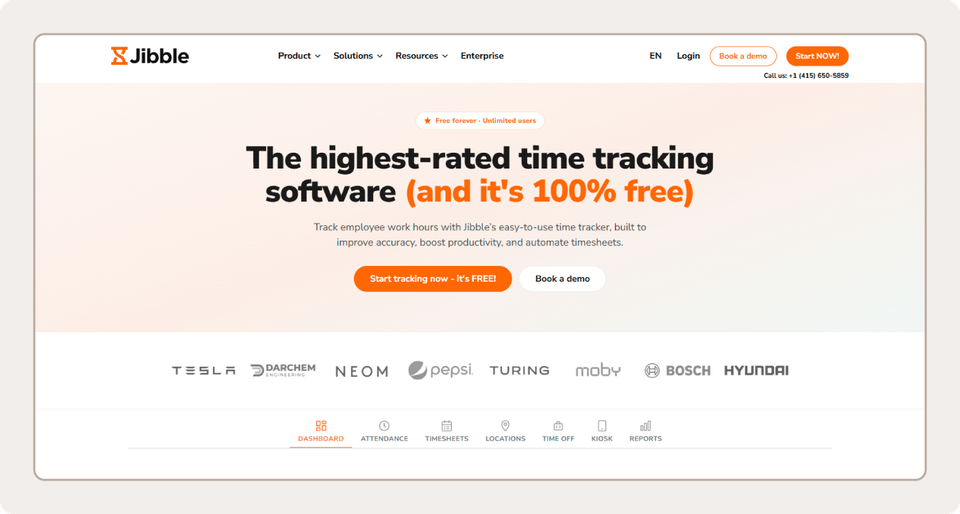
Best for: Free time tracking
Jibble gives away what most competitors charge for. It’s an attendance and time-tracking app with a free plan for unlimited users.
Don’t mistake “free” for “basic.” Jibble offers a number of advanced features that competitors typically lock behind paywalls. These include GPS tracking, geofencing, and facial recognition for punch-ins. Paid plans add extras like project-level time tracking, group management, and unlimited work schedules. Jibble also integrates with dozens of other apps, from accounting tools like Xero to HR solutions like ADP.
More than 2,700 Capterra reviewers have provided feedback on the platform, averaging a strong 4.8/5 rating. Aside from its free-forever pricing model, reviewers find it to be a comprehensive tool, with many appreciating its attendance management and productivity monitoring features. Still, many report technical issues in the platform.
| Pros | Cons |
| Free plan for unlimited users | Occasional technical issues like sync delays or logouts |
| Simple user interface | Limited report customization options |
| Strong integrations with payroll apps and other tools | Difficult to edit incorrect time entries |
Pricing
Plans start for free and cover unlimited users. Paid plans add features like group management and unlimited work schedules, priced per user.
Key features
- GPS tracking, geofencing, and facial recognition for punch-ins
- Project-level time tracking on higher-tier plans
- Integrations with dozens of other apps
6. Clockify
Best for: Freelancers and agencies
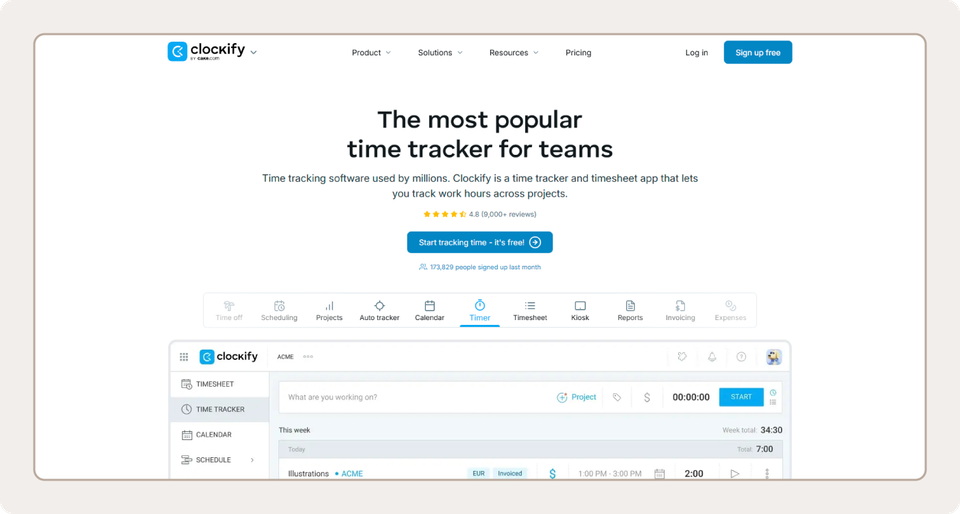
Clockify tracks and reports on time across tasks, projects, or clients. It’s useful for in-house teams, as well as agencies and freelancers looking to keep tabs on time and budgets.
The platform comes with time management features, including a clock, a time sheet, and an activity tracker. These are accompanied by a reporting suite that lets you track time, activity, and cost at the overall, project, or individual level. You also get a lightweight management suite that covers everything from scheduling and timesheet approvals to invoice creation.
With a 4.8/5 rating across more than 9,000 reviews on Capterra, Clockify carries one of the highest reviewer scores in its product category. Many users, especially freelancers, appreciate the comprehensiveness of its features, enabling them to easily track time and productivity. However, users often point to inconsistencies between the desktop and mobile versions.
| Pros | Cons |
| Simplifies reporting | Adding and editing time entries can be cumbersome |
| Accurate, detailed time tracking | Reporting and customization options can feel limited for large teams or complex projects |
| Free plan available for up to five users | The mobile app can feel slower or less smooth than the desktop version |
Pricing
Plans start for free. The first paid plan starts at $4.99/user/month, billed monthly.
Key features
- Unlimited users with time tracking across multiple devices
- Detailed reporting for insights into team productivity
- Project and task management to keep work organized
7. Buddy Punch
Best for: User-friendly, accurate time tracking
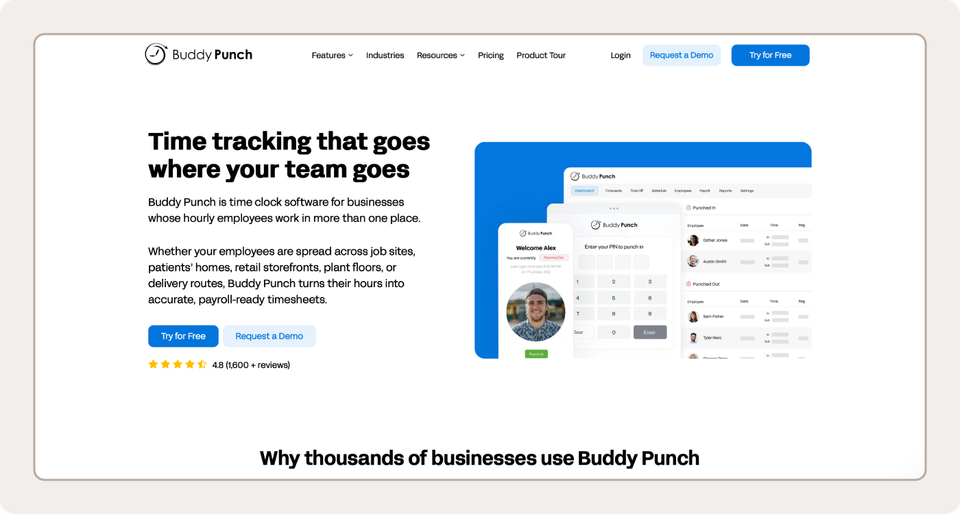
A crew wraps up a job across town, and the owner needs their hours before payroll closes. Buddy Punch is a simplicity-first time-tracking app that lets employees punch in and out on any device.
Leaders and HR personnel get live, trustworthy time-tracking data that feeds into scheduling, PTO tracking, and payroll solutions, simplifying the admin work of managing employees. While Buddy Punch mainly serves deskless, in-field, and on-site workers, organizations with mostly desk-based staff also use it.
Despite occasional technical issues, Buddy Punch earns a 4.8/5 rating on Capterra, primarily due to its ease of use and comprehensive feature set.
| Pros | Cons |
| Simplifies time tracking | Occasional slow loading or functionality issues |
| User-friendly interface for both managers and employees | Critical features like advanced reporting and payroll are locked behind add-ons |
| Available on multiple devices | Scheduling requires a higher plan tier or an add-on |
Pricing
Plans start for $19/month, plus an additional $5.99/user/month.
Key features
- Multiple punch verification methods, including facial recognition, QR codes, PINs, and GPS
- Automated PTO accruals and punch rounding calculations
- Employee self-service portal for time-off requests and schedule viewing
8. Monday
Best for: Project management
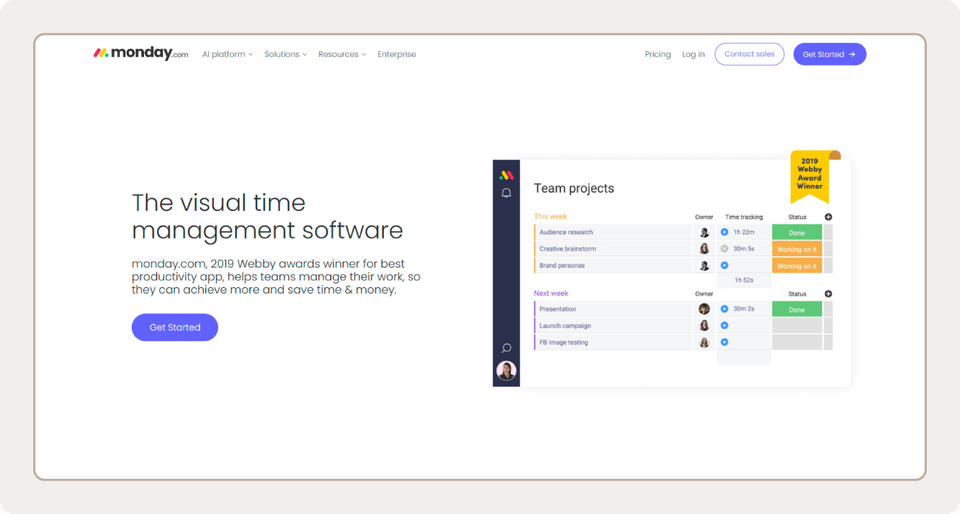
One of the most versatile alternatives to Deputy, Monday is a general work management platform that lets you track and manage your team’s projects in one place. Flexibility and customizability are the selling points. You shape the platform around your own processes and projects, so it adjusts to your existing workflows, and not the other way around.
Unlike the other Deputy competitors on this list, Monday isn’t a shift scheduling software, and it doesn’t include any payroll or HR tools. Time tracking comes only with higher-tier plans and measures time against specific tasks rather than a high-level schedule view.
Monday earns a 4.6/5 rating on Capterra, owing largely to its capabilities in project tracking and workflow automation. But users often flag sluggish performance and technical issues when built at scale, while some report confusion or frustration with the platform’s pricing structure.
| Pros | Cons |
| In-depth customizability | Time tracking only available on higher-tier plans |
| Easy to learn for new users | Shift scheduling and payroll not included |
| Strong features for task- and project-level collaboration | Not a like-for-like replacement for Deputy |
Pricing
Plans start for free, but the first paid plan starts at $12/seat/month.
Key features
- Customizable workflows to match your business processes
- Comprehensive project and task management capabilities
- Extensive integration options with popular third-party apps
9. Timely
Best for: Agencies and consultancies that bill by the hour
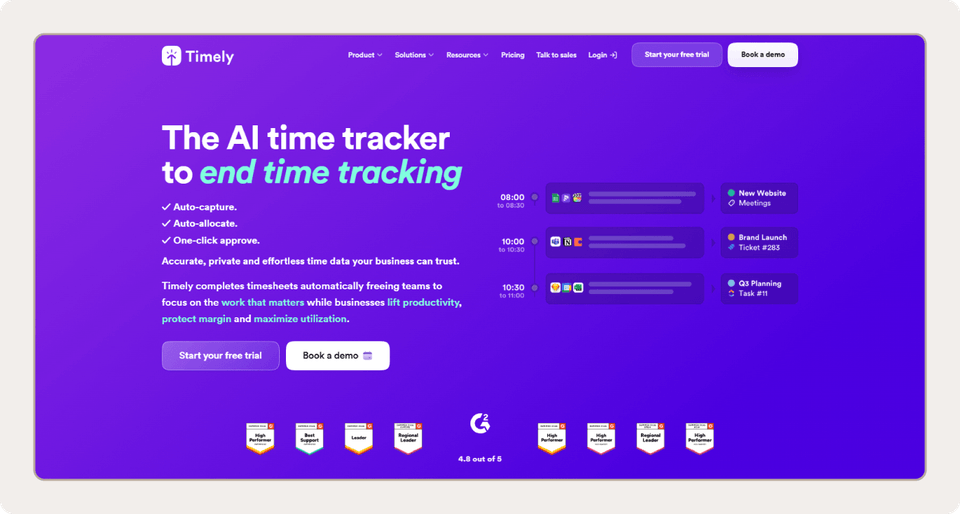
Picture a consultant on Friday afternoon, trying to remember which client each hour belonged to. Timely is an AI-powered time tracker that replaces manual punches with automatic tracking. It aims to eliminate any risk associated with manual tracking (from unreliable data to incomplete timesheets) and give leaders a clearer, more accurate view of performance and utilization without the admin work or wild goose chases.
Timely is a great Deputy alternative if you primarily perform billable work, since it automatically tracks budgets and allocations across projects and clients. However, if you need a shift-scheduling solution for front-line teams, Timely is likely a poor fit. It doesn’t come with scheduling or shift swapping software, and it doesn’t include a time clock kiosk. It also runs based on web activity, which serves desk-based workers well, but doesn’t do anything for a nurse or a construction crew in the field.
The platform’s automation capabilities and accuracy help it earn a strong 4.7/5 rating on Capterra. However, people commonly complain about its high price point, and some have historically raised concerns about customer service.
| Pros | Cons |
| Easy to set up and use | Expensive price point |
| Simple online booking for appointments | Only offers online time tracking |
| Accurate AI-powered time tracking | Struggles to capture specific tracking nuances |
Pricing
Plans start at $11/user/month, billed monthly.
Key features
- AI-driven time tracking that allocates time to the correct project or client
- Timesheets completed automatically
- Integration with third-party tools like Office 365 and project management software
How to choose the right Deputy alternative for your team
Shortlists can get long fast, so narrow them by what actually makes a tangible difference in your weekly workload. Check every option on your list of Deputy alternatives against these five criteria to narrow your field to only the most effective options for your team.
Team sizing and pricing structure
Per-user, per-location, and per-hub models each reward a different business structure. Per-location pricing rewards big rosters at a few locations. Homebase’s first paid plan, for example, costs $24 a month per location, which beats Deputy’s $5-per-user plan once a location has five or more employees. The bill grows with every location you add, though. Per-user rates remain predictable and can help you save money if you manage only a small team. Per-hub pricing is effective if you don’t want location or headcount to affect your quote.
Plug your numbers into each platform’s pricing model to determine what your actual cost would be on a monthly or annual basis, and eliminate any that would require unsustainable expenses.
Industry-specific requirements
Some platforms may fit your business model better than others. A restaurant running tip pools can get real value out of a platform like 7shifts, while solutions like When I Work might fit you best if you need advanced scheduling and time-tracking for shift-based workers. Homebase is a great option if you’re already operating at midsize scale or more.
Evaluate each platform based on how it would fit your specific use case, not which one is the “best overall.”
Payroll compatibility
Confirm that your payroll provider connects to the platform before you sign anything, either natively or through a pre-built integration. Without this connection, you’ll still be re-keying hours with every pay period.
Every When I Work plan includes integrations for external payroll and operations systems, including all-in-one workforce management tools like Rippling and payroll platforms like Gusto.
Mobile app usability
If you primarily employ shift-based field workers, your team likely doesn’t have time to learn a new, complex system. The mobile experience is the product that most of your users will actually interact with, so make sure each platform on your list includes a mobile app with an intuitive design.
Platforms like Connecteam and When I Work were built mobile-first specifically to accommodate these types of workers.
Onboarding and data migration effort
Ask how the schedule templates import, how long setup took for similar businesses, and whether employees can adopt it without a training session.
Free trials, free plans, and demos provide no-risk opportunities to get hands-on with the platform and ask the vendor questions if anything is unclear.
Improve your employee scheduling and time tracking process
Each of the above alternatives offers a compelling feature set and a distinct value proposition compared to Deputy. Platforms like 7shifts are great if you run a restaurant. Monday suits you if you want to lean more into project management rather than shift scheduling. Jibble’s free plan covers advanced time tracking for unlimited users.
When I Work is the Deputy alternative built for shift-based teams and hourly workers. Scheduling, time tracking, and messaging all live in one app, and it plugs right into payroll and ops tools like Rippling and Gusto. Staff on the back-end get an accurate, automated solution for collecting time data and building schedules, while employees get an easy, mobile-first experience to access relevant shift information.
You don’t have to take our word for it. Build a schedule with your own team and see how When I Work handles it, no credit card required.
FAQ
What’s the best workforce management software?
The best choice depends on how your team works. Shift-based businesses get the most from workforce management tools that combine scheduling and time tracking with messaging, like When I Work. Project-based teams that bill by the hour (like marketing agencies) may prefer a tracker like Clockify. If you run a restaurant, 7shifts is a solid option, while platforms like Buddy Punch and Connecteam are generally good for field teams.
What is the best employee scheduling tool?
Again, the best employee scheduling tool depends on how your team works. When I Work is a great option for shift-based teams, since it combines the essentials into one platform with a low barrier to entry compared to other paid tools on the list. Other platforms may serve specific niches or use cases.
For example, Homebase’s pricing model makes it a great fit for teams already operating at scale in multiple locations, and Jibble’s free-of-charge model makes it a no-brainer if you don’t have the budget for a paid tool.
How much does Deputy cost?
Deputy charges per user across three tiers on annual billing:
- Lite: $5/user/month
- Core: $6.50/user/month
- Pro: $9/user/month
It also includes four separate add-ons, also priced per-user, in addition to the base plans. Each is billed monthly, but includes the option to save 10% if billed annually:
- Deputy Payroll enabled by Paycor: $8/user/month
- HR: $2/user/month
- Messaging+: $1.95/user/month
- Analytics+: $1.50/user/month
Does the Deputy app track you?
As an employee, Deputy records your location at clock-in and uses geofencing to prevent you from clocking in outside an approved area. It doesn’t track your location during or outside your shift, and your employer controls which of these settings are enabled.
Can I use Deputy on my phone?
Yes. Deputy offers free iOS and Android apps for managers and employees alike. Some Capterra reviewers report that the app loads slowly or behaves differently from the desktop version.
Is there a free version of Deputy?
No. Deputy offers a free trial, but it doesn’t have a permanent free plan like Jibble’s or Clockify’s.